

Staying Connected Abroad: eSIMs, Local SIMs, and Backup Internet for Remote Workers
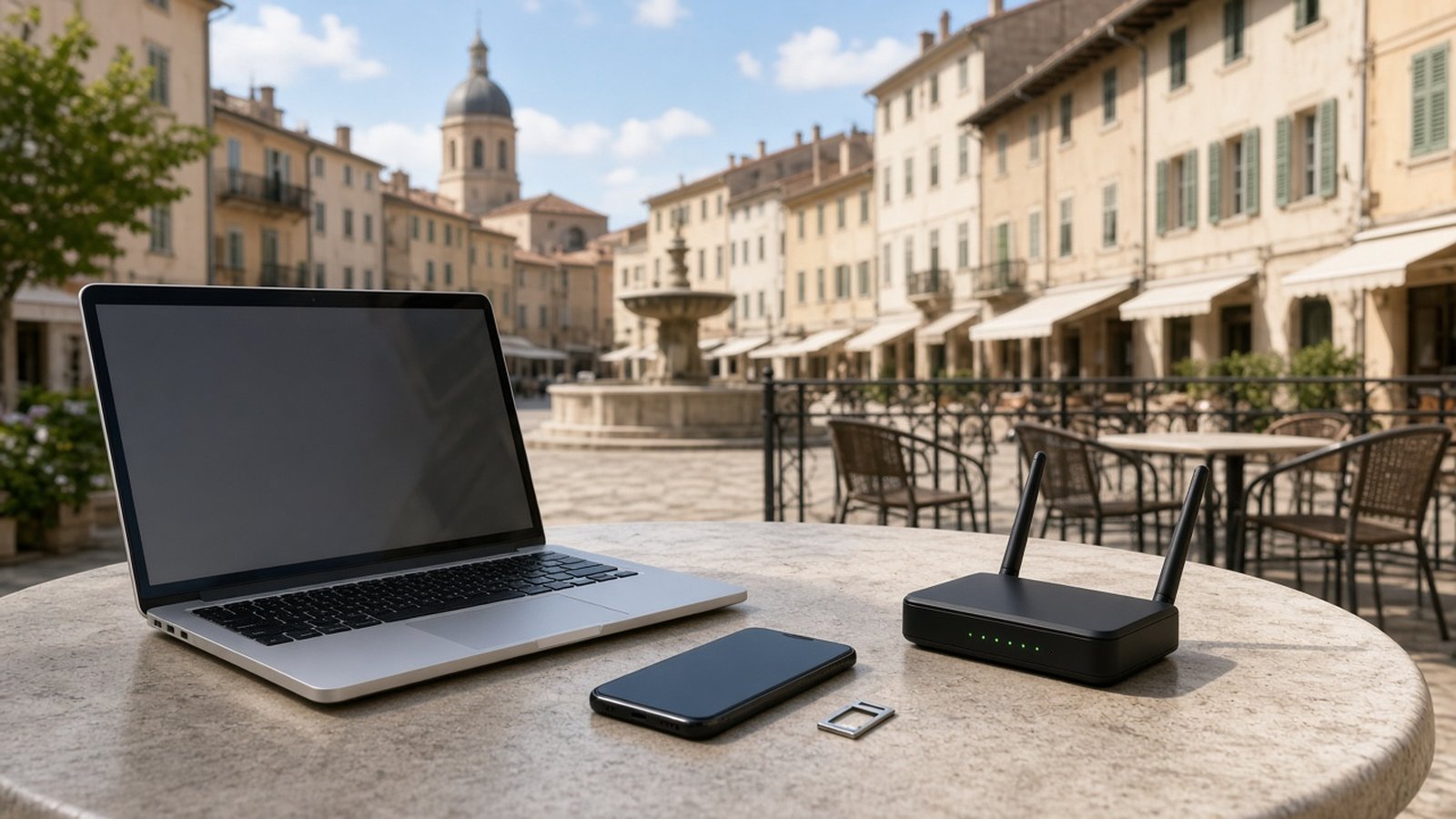
For a digital nomad, a reliable connection is not a luxury. It is the difference between a productive week and a string of missed calls, failed uploads, and stressful apologies to clients. Beautiful destinations lose their charm quickly when you are hunting for signal on a balcony five minutes before a meeting.
The good news is that staying connected abroad is easier than ever. The key is understanding your options and building a simple backup plan so one weak link never takes you offline. This guide covers both.
Your main mobile data options
International roaming
Your home carrier may offer international roaming or travel passes. It is the simplest option, since your number works as usual with no setup. The trade-off is often cost, data limits, or slower speeds. Roaming works well for short trips or as an emergency fallback, but it is rarely the best value for long stays.
Local SIM cards
Buying a physical SIM from a local carrier usually gives you good value and solid local performance. You get a local number, which can be handy for deliveries, rides, and restaurant bookings. Depending on the country, you may need your passport to register, and you will need an unlocked phone. Shop at official carrier stores where possible, and ask staff to activate and test the SIM before you leave.
eSIMs
An eSIM is a digital SIM you install by scanning a QR code or through an app, with no physical card required. Many recent phones support eSIM, and travel eSIM providers sell data plans for individual countries or whole regions. You can often set one up before you land and be online the moment you arrive. Some plans are data-only, so check whether you need a local number.
A common setup is to keep your home number active for security codes and important calls, while using a local SIM or travel eSIM for data.
Check your phone before you go
- Is it unlocked? A carrier-locked phone may not accept other SIMs. Contact your carrier before travel if you are unsure.
- Does it support eSIM? Check your phone's settings or manufacturer information.
- Does it support local bands? Phones sold in one region sometimes lack frequency bands used elsewhere. Most modern flagships are broadly compatible, but it is worth checking for less common destinations.
- Can it hold multiple lines? Dual-SIM phones make it easy to keep your home number while using local data.
Wi-Fi: the foundation of a work day
Mobile data is great, but for video calls and large uploads, a stable Wi-Fi connection is usually your main workhorse. The problem is that accommodation listings often say "fast Wi-Fi" without much evidence.
How to vet Wi-Fi before you book
- Ask for a speed test screenshot. Hosts who cater to remote workers are often happy to share one. Look at both download and upload speeds, since upload matters for video calls.
- Read recent reviews. Search reviews for words like "Wi-Fi," "internet," and "work" to see what other guests experienced.
- Ask about the setup. Is the connection fiber, cable, or shared? Is the router in the unit?
- Check the workspace. A good connection is less useful if there is no table and chair to work at.
On arrival, run your own speed test in the spot where you will work, and do a test video call before your first important meeting.
Build a backup internet plan
Even good connections fail. Power cuts, router problems, and storms happen everywhere. A simple layered approach keeps you working.
Layer 1: Accommodation Wi-Fi
Your primary connection for most of the day.
Layer 2: Mobile hotspot
A local SIM or eSIM with a generous data allowance lets you tether your laptop when Wi-Fi drops. Check that your plan allows hotspot use.
Layer 3: A second network
For important work, consider a second data plan on a different carrier, either on a second phone, a dual-SIM phone, or a portable hotspot device. If one network has poor coverage in your area, the other may be fine.
Layer 4: A coworking space or café
Know where the nearest reliable coworking space is before you need it. Our review of digital nomad coworking spaces covers what to look for.
Protect your connection
Public Wi-Fi in cafés, airports, and hotels is convenient but not always secure. Use encrypted websites and services, keep your devices updated, and consider a reputable VPN when using untrusted networks. Our guide to digital security for nomads goes deeper on protecting your devices and accounts.
Practical habits that save the day
- Download offline maps of your destination before you arrive.
- Sync work files for offline access so a dropped connection does not stop you working.
- Carry a power bank so your phone hotspot does not die mid-call.
- Know your time zones and schedule critical calls when your connection is most reliable.
- Tell clients your backup plan. If a call drops, they will know you will rejoin from a hotspot or switch to audio.
For more on choosing places that make remote work easier, see our guide to finding the best locations for digital nomad living.
Frequently asked questions
Is an eSIM better than a local SIM?
Not always. eSIMs are convenient and quick to set up, while local SIMs often offer better value and a local number. Many nomads use both depending on the country.
What internet speed do I need for video calls?
Requirements depend on the platform and video quality, but upload speed and stability matter as much as download speed. Run a test call before important meetings.
Can I keep my home number while traveling?
Yes. A dual-SIM or eSIM-capable phone lets you keep your home line active for calls and security codes while using local data.
Is hotel or café Wi-Fi safe for work?
Use caution. Stick to encrypted services, keep devices updated, and consider a reputable VPN on public networks.