

Digital Security for Nomads: Protecting Your Laptop, Phone, and Accounts
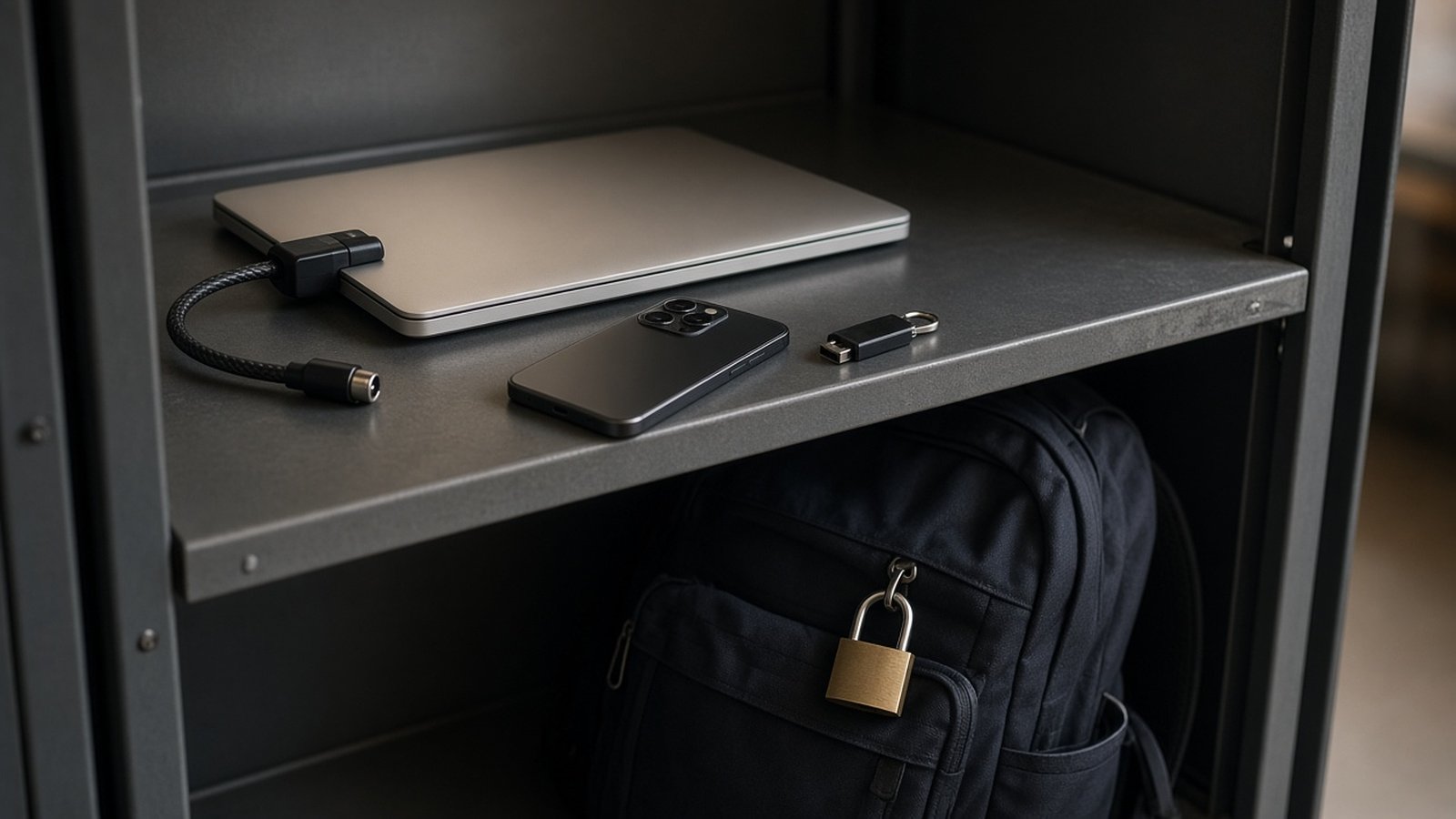
For digital nomads, your laptop and phone are your office, your wallet, your passport backup, and your connection to home. Losing them, or losing access to your accounts, can stop your work and your travels in their tracks. Yet many remote workers spend more time researching destinations than protecting the devices and accounts their lifestyle depends on.
Good digital security does not require technical expertise. A handful of habits and settings will protect you from the most common problems, from theft and lost devices to account takeovers and risky Wi-Fi. Here is a practical checklist.
Secure your accounts first
Your accounts are often more valuable than your devices. If someone gains access to your email, they can reset passwords for almost everything else.
Use a password manager
A reputable password manager creates and stores strong, unique passwords for every account. That way, a leak from one service does not expose the others. Protect the manager itself with a long, memorable passphrase.
Turn on two-factor authentication
Two-factor authentication adds a second step, such as a code from an authenticator app or a hardware security key, when you log in. Enable it on your email, banking, cloud storage, work tools, and social accounts.
Plan for losing your phone
If your phone is your second factor, losing it can lock you out of your accounts. Save backup codes somewhere secure, register more than one method where possible, and consider a hardware security key kept separately from your phone. If you rely on text messages for codes, think about how you would receive them if you switched SIM cards abroad.
Protect your devices
- Use strong lock screens. A long PIN, password, or biometric unlock on every device.
- Enable full-disk encryption. Most modern laptops and phones support it, and many enable it by default. Check that it is turned on.
- Turn on device-finding features. Built-in tools can locate, lock, or erase a lost device remotely.
- Keep everything updated. Install operating system and app updates promptly, since many fix security issues.
- Set short auto-lock times. Devices should lock quickly when left unattended.
Back up everything
Backups turn a disaster into an inconvenience. Follow a simple principle: keep more than one copy of important data, in more than one place.
- Cloud backup: Automatic syncing of documents, photos, and work files to a secure cloud service.
- Local backup: An encrypted external drive, stored separately from your laptop when you travel.
- Important documents: Secure digital copies of your passport, visas, insurance, and key contacts, accessible even if you lose your phone.
Test your backups occasionally by restoring a file. A backup you cannot restore is not much help.
Stay safe on public Wi-Fi
Cafés, coworking spaces, airports, and accommodation networks are part of nomad life. Most are fine, but some precautions are sensible.
- Check network names carefully and ask staff for the correct one, since fake networks with similar names exist.
- Stick to websites and apps that use encrypted connections.
- Consider a reputable VPN on networks you do not trust.
- Turn off automatic connection to open networks.
- Use your phone's hotspot for sensitive tasks like banking if you are unsure about a network.
Our guide to staying connected abroad covers how to set up reliable mobile data as a backup.
Physical security on the road
- Never leave devices unattended in cafés, even for a quick trip to the counter.
- Use a discreet bag. A plain backpack attracts less attention than an obvious laptop case.
- Lock up in your accommodation. Use a safe or lockable luggage when you leave devices behind.
- Use a privacy screen if you often work in public places where others can see your display.
- Be careful with public charging ports. Use your own charger and a wall outlet when possible.
Our digital nomad packing list includes useful accessories for working safely on the move.
Keep work and personal separate
If you work for clients or an employer, follow any security requirements they set, and keep work data in the tools they approve. Where possible, use separate browser profiles or user accounts for work and personal use. This limits the damage if one account is compromised and makes it easier to hand back or wipe work data when a contract ends.
Recognize scams
Phishing messages are one of the most common ways accounts are compromised. Be wary of unexpected messages asking you to log in, pay, or confirm details, especially those that create urgency. Go directly to the official website or app instead of clicking links in messages. Be especially careful with messages that appear to come from banks, airlines, accommodation platforms, or delivery services, since travelers are frequent targets.
Have a recovery plan
Prepare for the worst before it happens. Write down what you would do if your laptop or phone were stolen tomorrow.
- Remotely lock or erase the device.
- Change passwords for critical accounts, starting with email.
- Contact your bank to freeze cards stored on the device.
- Report the theft to local police if needed for insurance.
- Restore your data from backups onto a replacement device.
Check whether your travel or gear insurance covers electronics, and keep proof of ownership such as receipts and serial numbers.
Frequently asked questions
Do I really need a VPN?
A reputable VPN adds protection on untrusted networks, but it is not a cure-all. Strong passwords, two-factor authentication, and updates matter just as much.
What is the most important security step?
Securing your email account with a strong, unique password and two-factor authentication, since it is the key to resetting most other accounts.
How should I back up my laptop while traveling?
Use automatic cloud backup plus an encrypted external drive stored separately from your laptop.
What should I do first if my phone is stolen?
Use another device to locate, lock, or erase it, then secure your email and financial accounts.